

The Perfect Circle
🇫🇷 Vous préférez lire la version française ? C’est par ici!

Nyaossu ! (^・ω・^ )
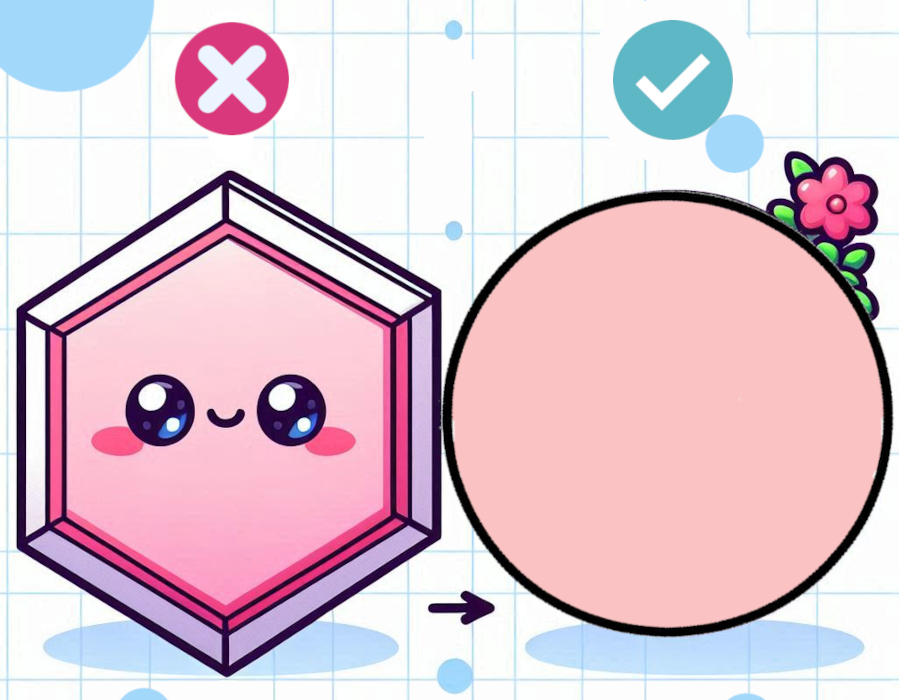
Have you ever ended up with a magic circle that slowly turns… into a hexagon?
You know, those little pointy edges that start to appear and ruin the smooth look of your circle as it grows.
First of all, don’t worry — you didn’t do anything wrong !
This is completely normal.
This happens because increases are stacked in the same spots round after round.
It becomes especially noticeable when working many increase rounds.
Over time, stacking increases causes the circle to lose its shape.
And that can be frustrating when you want a perfectly round, flat piece for your project !
Here’s a simple trick to avoid that deformation.
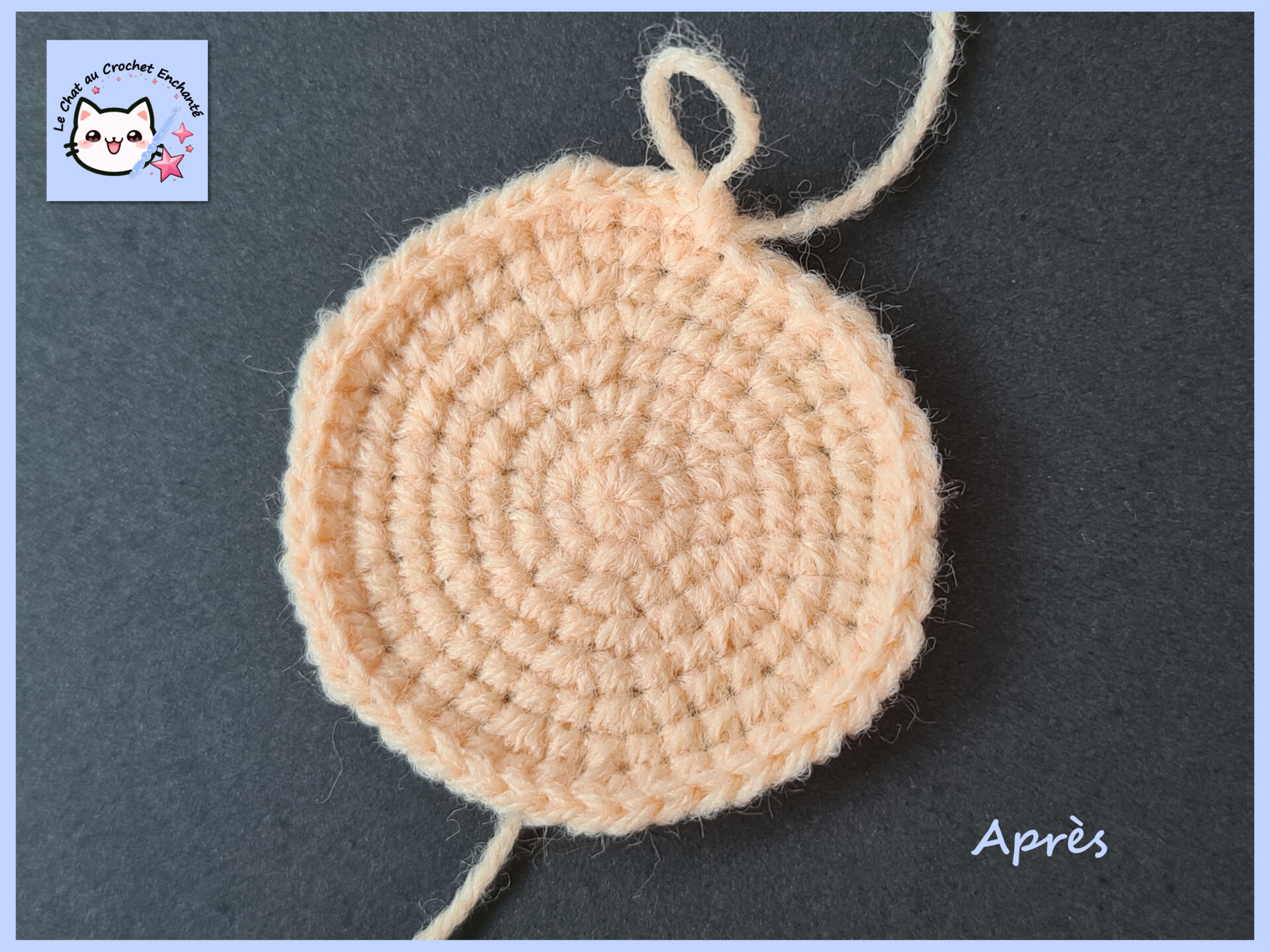
From round 4 (in most cases), every other round, you’ll simply shift your increases.
To do this, we split the first repeat of the round into two parts.
In practice :
R1: Magic circle with 6 sc (6)
R2: Increase around (12)
R3: *sc, inc* x6 (18)
R4: sc, inc, *2 sc, inc* x5, sc (24)
R5: *3 sc, inc* x6 (30)
R6: 2 sc, inc, *4 sc, inc* x5, 2 sc (36)
R7: *5 sc, inc* x6 (42)
R8: 3 sc, inc, *6 sc, inc* x5, 3 sc (48)
R9: *7 sc, inc* x6 (54)
R10: 4 sc, inc, *8 sc, inc* x5, 4 sc (60)
R11: *9 sc, inc* x6 (66)
R12: 5 sc, inc, *10 sc, inc* x5, 5 sc (72)
The first repeat is now split between the beginning and the end of the round.
You can keep following this logic to avoid stacking increases on top of each other.
It’s a simple trick — you just need to remember to do it every other round !
You’re now ready to make beautifully round magic circles! (・ω<)

SeeYouNextTime !
The blog needs your support!
For tips, click on the little cup (´,,•ω•,,)♥

Thank you so much for your support!
Un commentaire à partager ?